
Tutorials · October 27, 2026
How to Use Claude Pro for Dental Students
Learn how to use Claude Pro for dental students to summarize anatomy papers, build flashcards, and prep for boards without violating academic integrity.
Dental school demands constant synthesis of dense material. You are reading craniofacial anatomy papers one hour and memorizing pharmacology interactions the next. The volume does not shrink, but your study process can become more efficient. A recent discussion on r/ClaudeAI highlighted a thread where people are asking how to handle this [1]. For a student navigating this landscape, understanding how to apply Claude Pro for dental students means knowing exactly which features to use for summarization, active recall, and exam preparation, all while staying within the boundaries of your school’s honor code.
This tutorial walks you through uploading complex documents, organizing them into dedicated study spaces, generating practice materials, and verifying that your workflow complies with both platform rules and institutional policies.
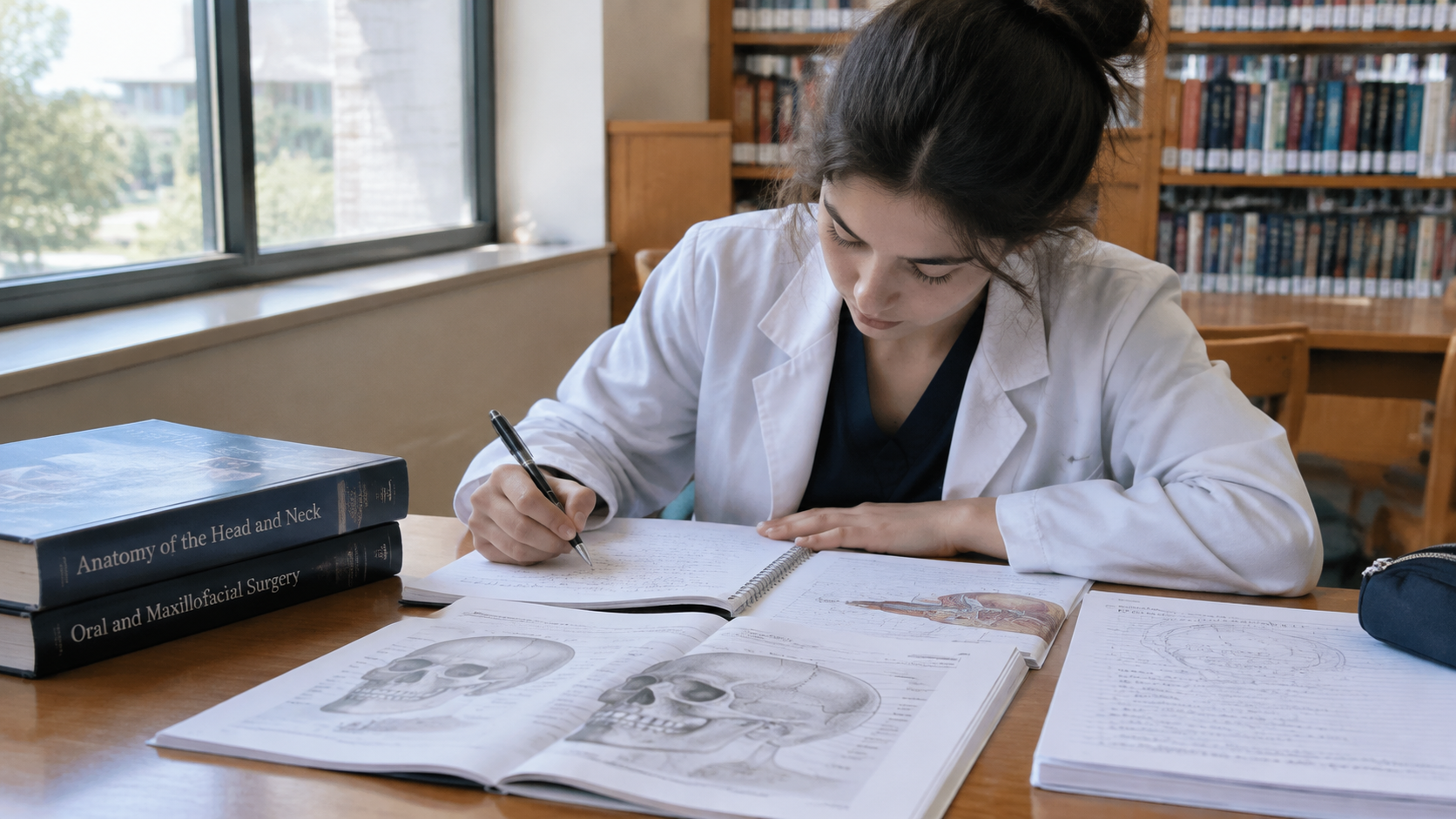
What you need
- An active subscription. Check the official help center to confirm current access tiers and feature availability [2].
- PDF or text versions of the anatomy papers, lecture notes, or clinical case studies you want to process.
- Your institution’s academic integrity policy or honor code document.
- Access to the Projects feature, which allows you to organize uploaded files and custom instructions into dedicated workspaces [2].

How to Claude Pro for dental students
Follow these steps to build a reliable, policy-compliant study workflow.
- Review acceptable use and institutional policies. Before uploading any coursework, read the Anthropic Acceptable Use Policy to understand prohibited actions, such as fraud or misrepresentation [3]. Cross-reference this with your dental school’s honor code. Using AI to generate study aids is generally distinct from submitting AI-generated text as your own graded assignment, but you must verify this boundary yourself.
- Create a dedicated Project. Open the Projects feature in the interface [2]. Create a new project specifically for your current block or rotation—for example, "Head and Neck Anatomy" or "NBDE Part I Prep." This uses the Projects feature for organizing study materials [2].
- Upload your source documents. Inside your new project, upload the PDFs of the anatomy papers or clinical guidelines you need to review [2]. Uploading documents allows you to use them for summarization [2].
- Set project instructions. Add custom instructions to the project settings [2]. Tell the system to act as a rigorous study partner. Specify that it should cite the page or section of the uploaded document when answering questions, and instruct it to avoid providing direct answers to graded assignments if you are using it during an open-book assessment.
- Prompt for structured summaries. Ask the model to break down the uploaded paper into core concepts. Instead of asking for a generic summary, request specific outputs: "List the branches of the maxillary artery mentioned in this paper, their anatomical relations, and their clinical significance in local anesthesia." Follow prompting best practices for generating study materials [2].
- Generate clinical case flashcards. Once you have summarized the material, ask the system to convert those concepts into active recall prompts. Request a specific format, such as a two-column table with a clinical scenario on one side and the diagnosis or anatomical structure on the other. This applies prompting best practices to generating flashcards [2].
- Simulate board exam conditions. For board preparation, prompt the model to generate multiple-choice questions based strictly on the uploaded documents. Ask it to provide the correct answer along with a detailed explanation of why the distractors are incorrect. This applies prompting best practices to board exam preparation [2].
- Verify every output. Always cross-check the generated summaries, flashcards, and practice questions against your original uploaded documents and your primary textbooks. Do not assume the output is flawless.
Where this goes wrong
The most common failure point is treating the tool as an oracle rather than a processor. If you ask a broad question without uploading a source document, the model relies entirely on its training data. In dentistry, where anatomical variations and updated clinical guidelines matter, this leads to confident but incorrect answers.
Another major pitfall is academic integrity. A recent r/ClaudeAI thread recorded 52 comments where people were asking how to handle this [1]. However, no matter how you route your queries, the Anthropic Acceptable Use Policy explicitly prohibits using the service for misrepresentation [3]. If your school forbids AI use for generating take-home exam responses, using a project workspace to bypass that rule is a violation. When in doubt, consult your program's administration.
Finally, poor prompting yields poor study materials. Asking "make me flashcards" results in generic trivia. Asking for targeted clinical scenarios produces useful study aids. Apply prompting best practices to get better results [2].
Worked Example
Copy and paste this prompt into a project where you have uploaded a paper on mandibular nerve blocks:
"Using only the attached document, create five clinical case study flashcards about inferior alveolar nerve blocks. Format the output as a markdown table. Column 1 should be 'Clinical Scenario' describing a patient presentation or procedural complication. Column 2 should be 'Anatomical Rationale' explaining the exact nerve branch or fascial space involved, citing the specific section of the text. Do not include information outside the provided file."
By constraining the scope to the uploaded file and demanding citations, you force the model to ground its output in your actual coursework. This is the safest and most effective way to integrate Claude Pro for dental students into your daily study routine without compromising your learning or your standing at your institution.