
Tutorials · October 19, 2026
How to Build ChatGPT Note-Taking Templates
Learn how to generate ChatGPT note-taking templates that help students stop transcribing and start understanding during live lessons.
This tutorial shows how to use ChatGPT note-taking templates for a task teachers are currently trying to get working.
If you spend more time writing down what a teacher says than actually thinking about it, you are not alone. Many students hit a wall where transcription replaces comprehension. A recent discussion on r/ChatGPT explored whether AI-generated structures actually help, with people asking how to handle this. This tutorial shows you how to prompt the model to create concise, paper-ready layouts based on official guidance from OpenAI and established prompt engineering techniques.
What you need
- An active ChatGPT account (free or paid tier).
- A specific class, lecture, or subject in mind.
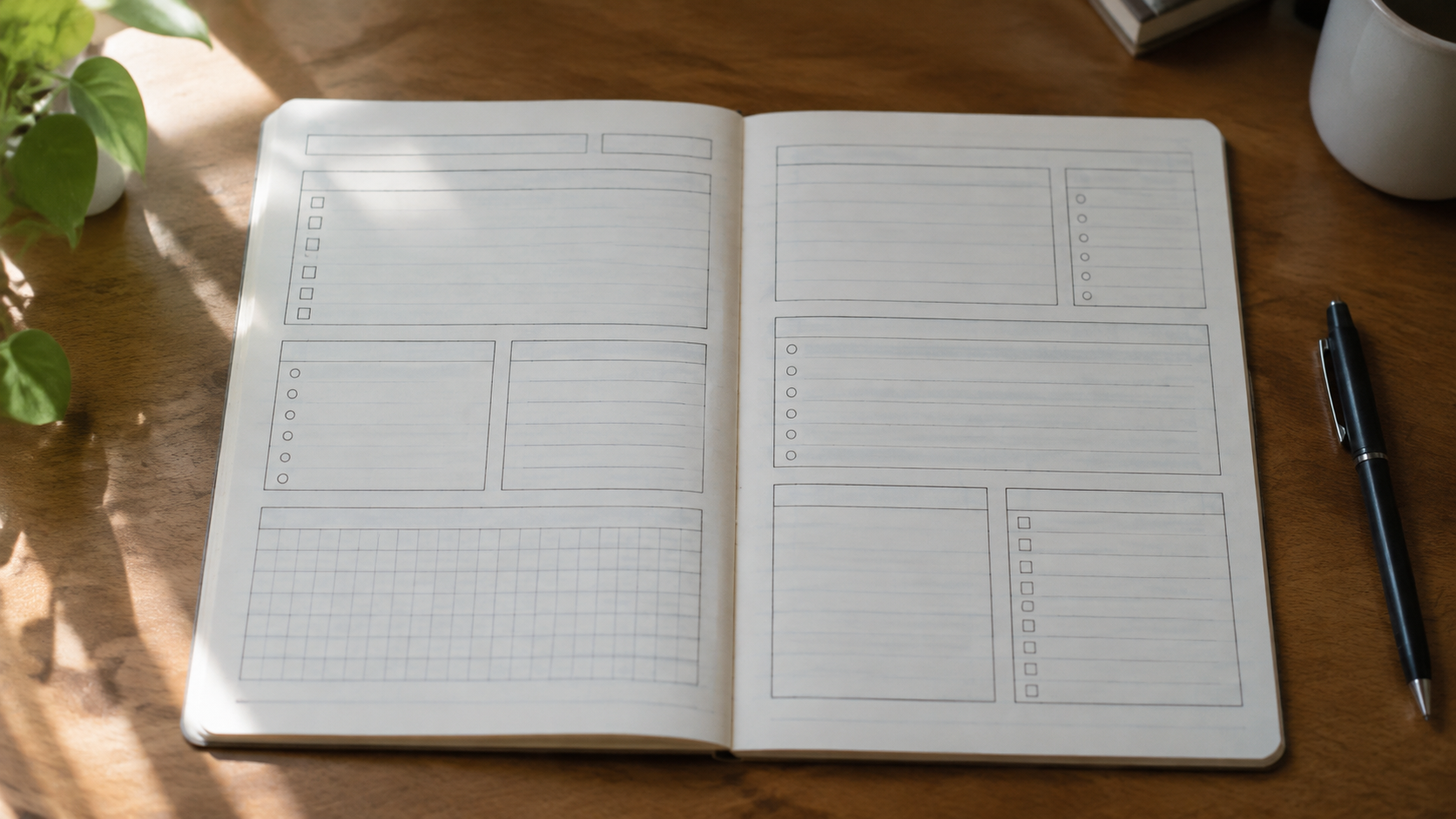
- Your preferred physical medium (for example, A4 lined paper or a standard notebook).
- Basic familiarity with the concepts taught in the DeepLearning.AI and OpenAI short course on prompt engineering, specifically role assignment and output formatting constraints.
- Access to OpenAI’s official guidance for educators on structuring learning aids, as outlined in their "Teaching with AI" documentation.
How to ChatGPT note-taking templates
Follow these steps to generate a layout that fits your exact learning context. These steps apply iterative refinement and formatting constraints documented by OpenAI and DeepLearning.AI.
- Assign a specific role. Start your prompt by telling the model who it is. According to the ChatGPT Prompt Engineering for Developers course by DeepLearning.AI and OpenAI, assigning a clear persona improves output relevance. Tell ChatGPT it is an expert instructional designer who specializes in reducing cognitive load for students.
- State your goal and constraints clearly. Do not just ask for a template. Specify the physical format. If you use A4 lined paper, say so. Mention the subject matter and the length of the lecture. OpenAI’s "Teaching with AI" guide emphasizes providing structured parameters when asking the model to generate learning aids so the output shifts focus from rote transcription to active comprehension.
- Define the required sections. Instead of letting the model guess what you need, dictate the categories. For example, ask for a section dedicated to the main idea, a section for key terms, and a section for questions you cannot answer yet. Constraining the output format prevents the model from generating overly complex structures. Check OpenAI's official help for further details on formatting constraints.
- Apply iterative refinement. Review the first draft the model gives you. If it includes too many boxes or prompts you to write too much, reply with a constraint like, "Make this shorter. I only have 50 minutes and need to listen more than I write." The DeepLearning.AI course highlights iterative refinement—adjusting your prompt based on the model's initial output—as a core technique for getting usable results.
- Add a self-check prompt. Ask ChatGPT to include a small self-check prompt at the bottom of the page, such as a space to summarize the lesson in one sentence from memory after class closes. This addresses the bottleneck of knowing whether you actually grasped the material.
- Test it in a real session. Print or draw the finalized layout before your next class. Use it for one session. If you find yourself ignoring parts of the layout, return to ChatGPT and remove those sections. The goal of using ChatGPT note-taking templates is to reduce friction, not add administrative overhead to your studying.
Where this goes wrong
The most common failure point is treating the template as the solution rather than a tool. In the r/ChatGPT thread where people asked how to handle this, 2 comments were recorded when NexEd read it. It does not matter whether you use a structure generated by AI or one you designed yourself; the actual bottleneck is the feedback loop. You need to know if you understand the material, and generic AI notes cannot tell you that on their own.
Another mistake is over-prompting. If you ask the model for a highly detailed, multi-page system, you will spend your entire lecture navigating the paperwork instead of listening. Keep the layout minimal. If you are sharing screenshots of your ChatGPT conversations online for feedback, remember to provide the conversation link or the exact prompt used, as community moderators frequently request this to properly evaluate your setup.
Finally, do not forget to specify your constraints. If you fail to specify that you are a student taking handwritten notes under time pressure, the model will likely default to a corporate meeting agenda or a digital markdown format that does not translate well to pen and paper. Check OpenAI's official help for guidance on defining audience, tone, and length.
Worked Example
Here is a prompt you can copy and adapt for your next class. It uses role assignment, formatting constraints, and iterative refinement principles from the sources mentioned above.
Your prompt:
"Act as an expert instructional designer. I am a student trying to take shorter handwritten notes because I currently spend more time writing than understanding. Generate a simple note-taking template designed for a single sheet of A4 lined paper. The subject is introductory biology. The lecture is 50 minutes long. Include only three sections: one for the main idea, one for two key supporting facts, and one for a single question I still have. At the very bottom, include a one-sentence self-test prompt I can fill out after class to check my understanding. Keep the instructions for each section under ten words so I can glance at them quickly while the teacher is talking."
Why this works:
This prompt applies the techniques from the DeepLearning.AI and OpenAI prompt engineering course by setting a role and strictly constraining the output format. It aligns with OpenAI’s "Teaching with AI" guidance by shifting the focus to active comprehension. By limiting the sections and word counts, it ensures the resulting ChatGPT note-taking templates remain a lightweight aid rather than a heavy distraction. If the output is still too long, use iterative refinement by replying: "Cut the word count in half. I need to be able to draw this in 30 seconds."