
Tutorials · October 16, 2026
How to Automate Whisper and Vexa AI meeting transcripts
Learn how to set up Whisper and Vexa AI meeting transcripts with n8n to automatically summarize parent-teacher conference calls for IEP documentation. Special education teachers spend hours after parent-teacher conferences writing Individualized Education Program (IEP) documentation. You can automate this by combining Whisper and Vexa AI meeting transcripts with n8n, a workflow automation tool. In this setup, audio is captured and passed through the OpenAI Whisper API transcription model. An n8n workflow then extracts decisions, accommodations, and action items directly into your documentation system. This approach is gaining traction among educators managing their own infrastructure, inspired by recent r/LocalLLaMA discussions where people are asking how to handle multi-GPU company setups.
This tutorial shows how to use Whisper and Vexa AI meeting transcripts for a task teachers are currently trying to get working.

What you need
Before building the workflow, gather these components:
- Meeting Audio Source: A method to capture meeting audio. For specific tools like Vexa AI or bots that join video conferencing platforms to export audio or send webhooks, check the official help for those products.
- Whisper: OpenAI’s speech recognition model. You can run this locally on your own hardware (like the multi-GPU setups discussed on r/LocalLLaMA) or use the OpenAI Whisper API.
- n8n: A self-hosted or cloud instance of the n8n workflow automation platform.
- OpenAI Credentials: If using the API version of Whisper, you need an API key configured in n8n.
- A Large Language Model (LLM): To summarize the transcript and extract IEP-specific data points. This can be routed through a local interface like OpenWebUI or an API router.
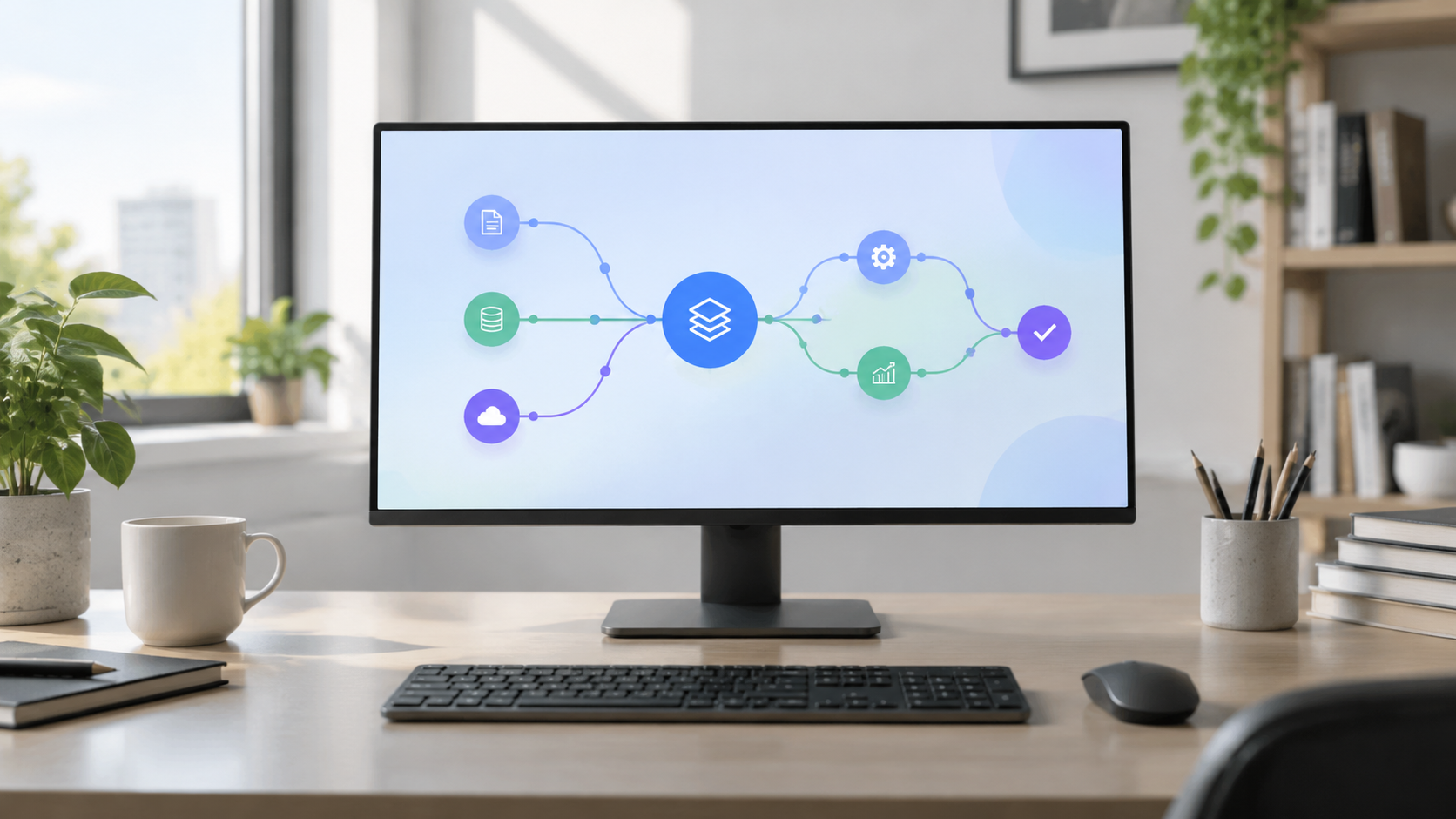
How to Whisper and Vexa AI meeting transcripts
Follow these steps to build the automation pipeline. The configuration for the transcription node relies on the official n8n Documentation - OpenAI Whisper node.
- Capture the meeting audio. Use your preferred method to record the parent-teacher conference call. If you are using a third-party service to export recorded audio files or send webhooks containing audio data to an n8n Webhook URL, check the official help for that product's configuration steps.
- Create a new workflow in n8n. Open your n8n instance and create a blank workflow. Add a "Webhook" node as your trigger to receive the audio file from your capture method. Set the HTTP method to match what your source sends (usually POST).
- Add the OpenAI node for transcription. Drag an OpenAI node onto the canvas and connect it to the Webhook trigger. According to the n8n Documentation - OpenAI Whisper node, you must first configure your credentials by entering your OpenAI API key.
- Set the Resource and Operation. Inside the OpenAI node parameters, locate the 'Resource' dropdown and select 'Audio'. Next, find the 'Operation' dropdown and select 'Transcribe'. The n8n Documentation - OpenAI Whisper node specifies these exact selections to route your request to the Whisper API.
- Map the binary audio input. The Whisper node requires the actual audio file to process. As outlined in the n8n Documentation - OpenAI Whisper node, you must map the binary audio file inputs from the previous nodes in the workflow. Click the expression parameter for the input field and point it to the binary property name generated by your Webhook node (for example,
dataoraudio). - Route the text to an LLM for summarization. Add another node (such as an HTTP Request node pointing to your local LLM router, or another OpenAI node) to receive the raw text output from the Whisper node. Write a prompt instructing the model to act as a special education assistant. Ask it to extract specific IEP components: present levels of performance, agreed-upon accommodations, and assigned tasks.
- Output the summary. Connect the LLM node to a final destination node. This could be a database node, a spreadsheet node, or an email node that sends the formatted summary directly to the teacher for review before finalizing the IEP document.
By chaining these tools together, Whisper and Vexa AI meeting transcripts become a seamless pipeline rather than isolated files requiring manual processing.
Where this goes wrong
When deploying local AI services for schools, redundancy is a major concern. A recent r/LocalLLaMA thread titled "4x 6000 Pro for the company" shows people are asking how to handle multi-GPU setups. If your single machine hosting n8n and Whisper crashes during conference week, documentation halts. Consider splitting services across two machines if possible.
Another common failure point is binary mapping in n8n. If the Webhook node receives the audio but names the binary property something unexpected, the OpenAI node will fail because it cannot find the file to transcribe. Always test the webhook with a sample file and inspect the JSON/Binary output of the first node before configuring the Whisper node.
Finally, privacy is paramount in special education. Audio recordings of IEP meetings contain highly sensitive student data. Ensure your local infrastructure complies with FERPA and district policies. If you are routing data through external APIs instead of local GPUs, verify that the vendor does not train on your data.
Worked Example: Extracting IEP Goals
Here is a prompt you can use in step 6 to process the output of your Whisper and Vexa AI meeting transcripts pipeline. Paste this into the system message of your LLM node in n8n:
You are an administrative assistant for a special education department. Read the following transcript of a parent-teacher conference. Extract the information into this exact format:

Student Name: [Name]
Date: [Date]
Current Performance Summary: [1-2 sentences based on teacher and parent statements]
New Accommodations Agreed Upon: [Bulleted list]
Action Items & Owners: [Bulleted list, e.g., "Mr. Smith will provide graphic organizers by Friday"]

Transcript:
{{ $json.text }}
Replace {{ $json.text }} with the actual n8n expression referencing the output of your OpenAI transcription node. This ensures the raw text is automatically injected into the prompt, giving the teacher a structured draft ready for the official IEP system.