
Tutorials · October 7, 2026
How to Build and Use a Local Code Knowledge Graph for Safe Dependency Navigation
Learn how to build a local code knowledge graph to safely navigate dependencies in large codebases using AI, avoiding the limits of grep-based agents.
If you work on a large Python codebase, changing a shared utility function often feels like playing roulette. You run grep to see who mentions the function, but mentioning a name in a comment or a string is not the same as actually calling it at runtime. This problem has become more acute with the rise of AI coding agents. They can tell you where a word appears, but they cannot reliably map the execution flow. To solve this, developers are turning to a code knowledge graph—a structured representation of your repository that maps actual definitions, imports, and function calls rather than just text matches. Recent discussions on r/LocalLLaMA highlight a strong demand for these tools, specifically ones that are MIT licensed and run fully locally without sending proprietary source code to the cloud [1].
This tutorial shows you how to deploy a self-hosted environment to build and query a code knowledge graph for your own repositories.

What you need
- A machine capable of running Docker (Linux, macOS, or Windows with WSL2).
- Sufficient disk space and memory for your target repository. Large monorepos require significant resources to index.
- Git installed and configured to access your target codebase.
- A local LLM setup if you intend to keep all inference strictly offline, though the graph infrastructure itself operates independently of the model.
- Administrative access to install and run containerized services on your network.
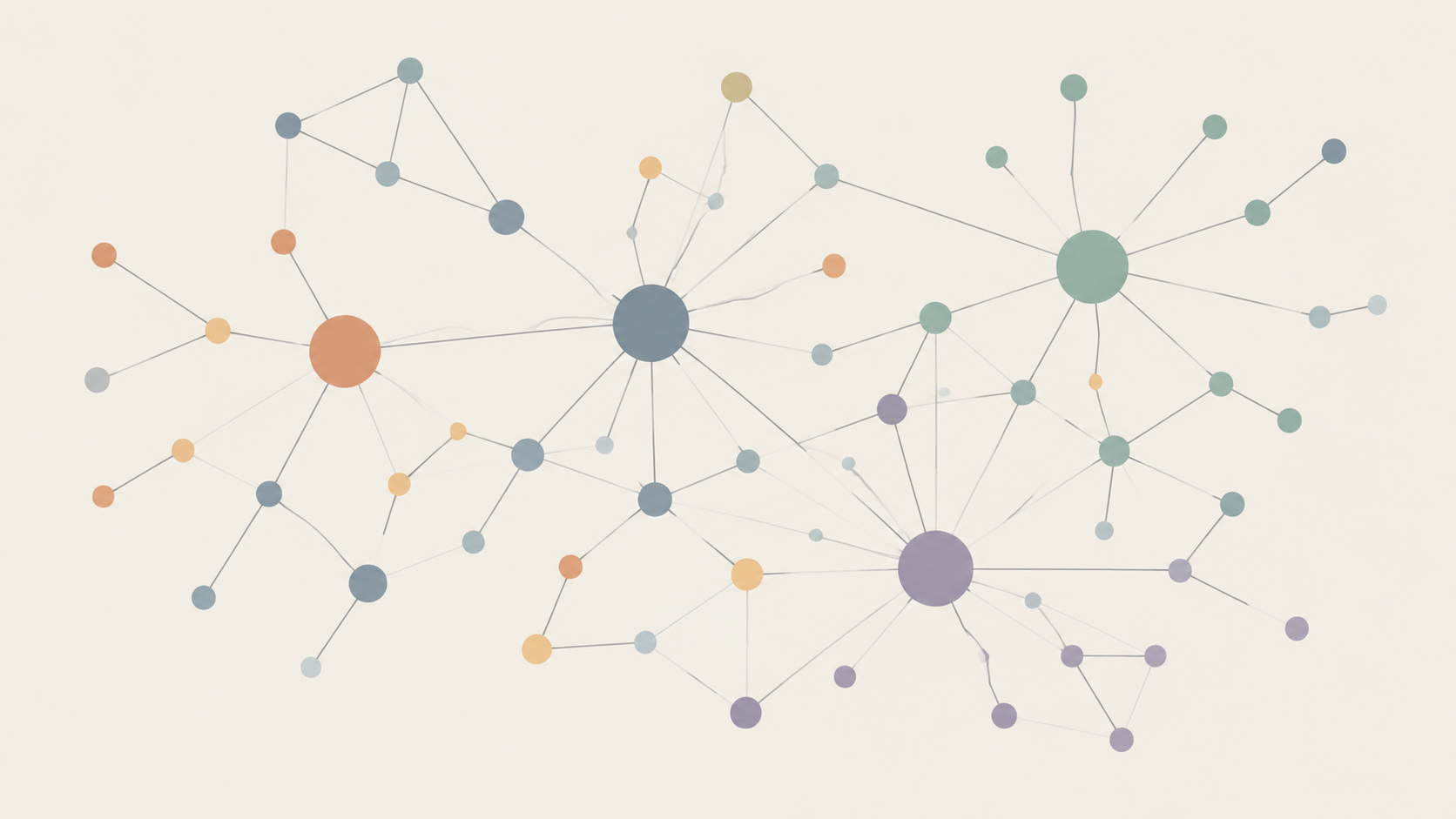
How to code knowledge graph
Building a functional dependency map requires moving beyond flat file reading. According to the Sourcegraph documentation, deploying a self-hosted instance allows you to generate a precise graph of your repository's dependencies and references, which an AI assistant can then query [2]. Here are the steps to set this up based on their deployment architecture:
- Deploy the self-hosted instance. Follow the official Sourcegraph documentation to deploy the platform locally or self-hosted [2]. Because you are doing this for internal corporate use, verify the current licensing terms in their official help center to ensure the self-hosted deployment aligns with your company's compliance requirements, especially given the community's strict preference for permissive licenses discussed on r/LocalLLaMA [1].
- Connect your repository. Once the instance is running, add your local Git repository or connect your self-hosted Git server. The platform needs read access to the codebase to begin building the graph [2]. For details on specific connection methods, check the official help.
- Allow the indexer to build the graph. The system will automatically scan the repository. Instead of just indexing text for search, it builds the code knowledge graph of the repository's dependencies and references [2]. Let this process finish completely before querying; interrupting it leaves you with partial edges.
- Configure the AI assistant. Enable Cody, the built-in AI assistant, within your self-hosted environment so that it uses the newly generated graph for context-aware dependency analysis [2]. For specific configuration options regarding routing, check the official help.
- Query the graph for dependency analysis. Instead of asking your AI agent to "find all files containing
process_data," ask it to "show me all downstream callers of theprocess_datafunction defined inutils.py." The AI assistant will traverse the graph to return actual execution paths, providing context-aware dependency analysis [2].
- Integrate with your local workflow. If you are using a separate local LLM via tools discussed in the r/LocalLLaMA community [1], you can use the code knowledge graph to provide structured context directly to your local model's prompt window instead of raw
grepoutput. For details on programmatic integration methods, check the official help.
Where this goes wrong
The most common failure point is treating the graph as a static artifact. A code knowledge graph is only as accurate as the last time the indexer ran. If you switch branches, pull new commits, or generate new files during a build step, the graph becomes stale. Always ensure your indexing pipeline triggers on branch changes or runs continuously in the background.
Another issue is language support. While Python and TypeScript have robust parsers that yield highly accurate graphs, dynamically typed languages or heavy metaprogramming can result in missing edges. The parser might fail to resolve a function call if the target is determined entirely at runtime.
Finally, resource exhaustion is real. Indexing a massive monorepo locally can consume all available RAM, causing the Docker containers to crash silently. Monitor your host machine's resources during the initial build phase.
Worked Example: Safely Refactoring a Shared Utility
Imagine you need to change the signature of calculate_tax(amount) to calculate_tax(amount, region) in a large e-commerce backend.
The old way (grep): You search for calculate_tax. You find 40 matches. You manually check each one, missing a dynamic import in the billing microservice. You push the code. Billing crashes in production.
The new way (code knowledge graph): You open your self-hosted instance and ask the AI assistant: "List every function that directly calls calculate_tax from core/taxes.py." The assistant traverses the graph to perform context-aware dependency analysis, ignoring places where calculate_tax was merely mentioned in docstrings or logged as a string. You update the identified files confidently, knowing the graph mapped the actual execution flow [2].
By replacing flat text search with structured graph traversal, you stop guessing about side effects. You give your AI agents the structural awareness they need to navigate large codebases safely, keeping your proprietary logic entirely on your own hardware.